
Create and issue
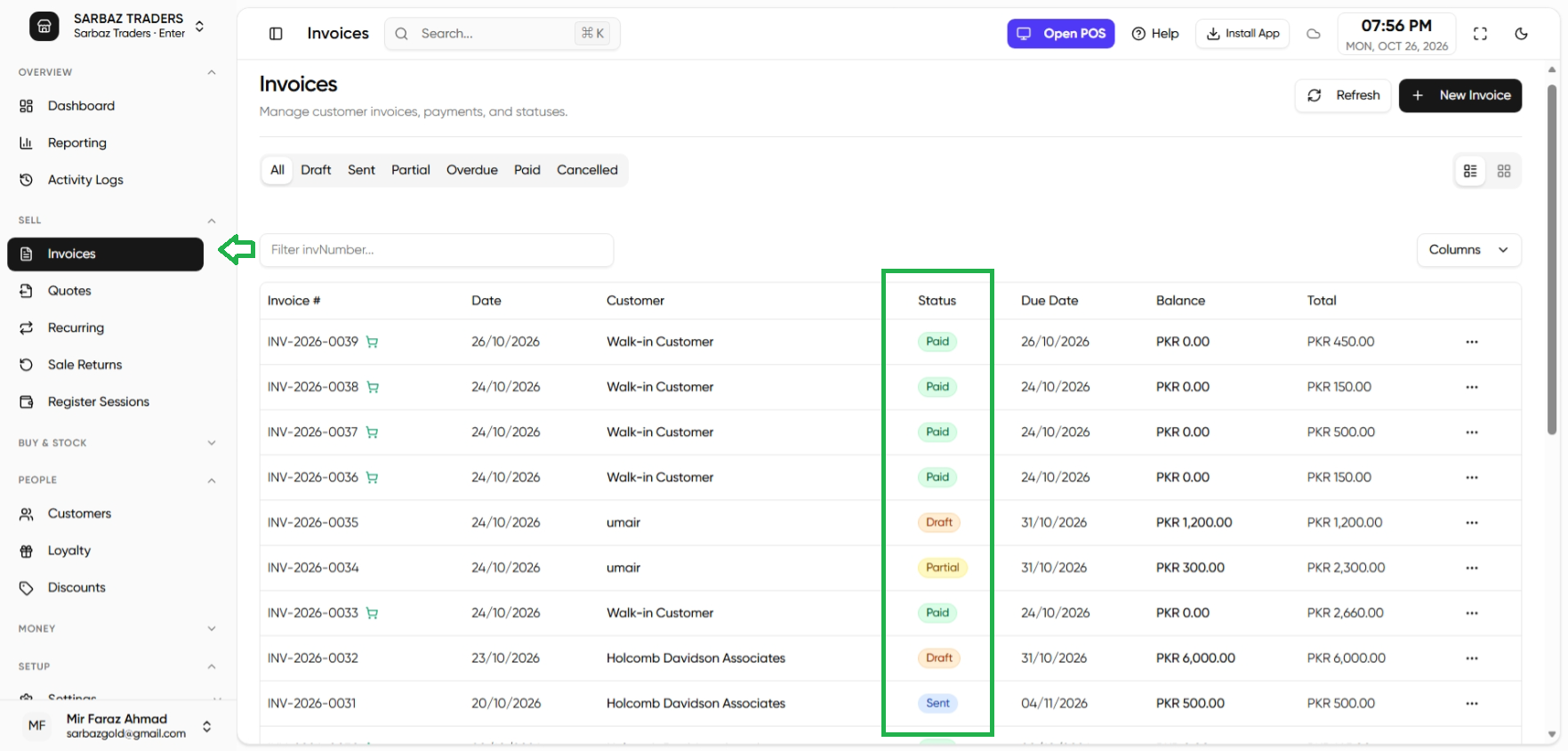
- Open Invoices and create one, or convert a quote.
- A draft can still be edited. Issue it when it is the bill you will stand behind.
- After a sale return exists against that invoice, the lines cannot be edited. Cancel the return first if the lines were wrong and the return is not yet refunded.
Payment
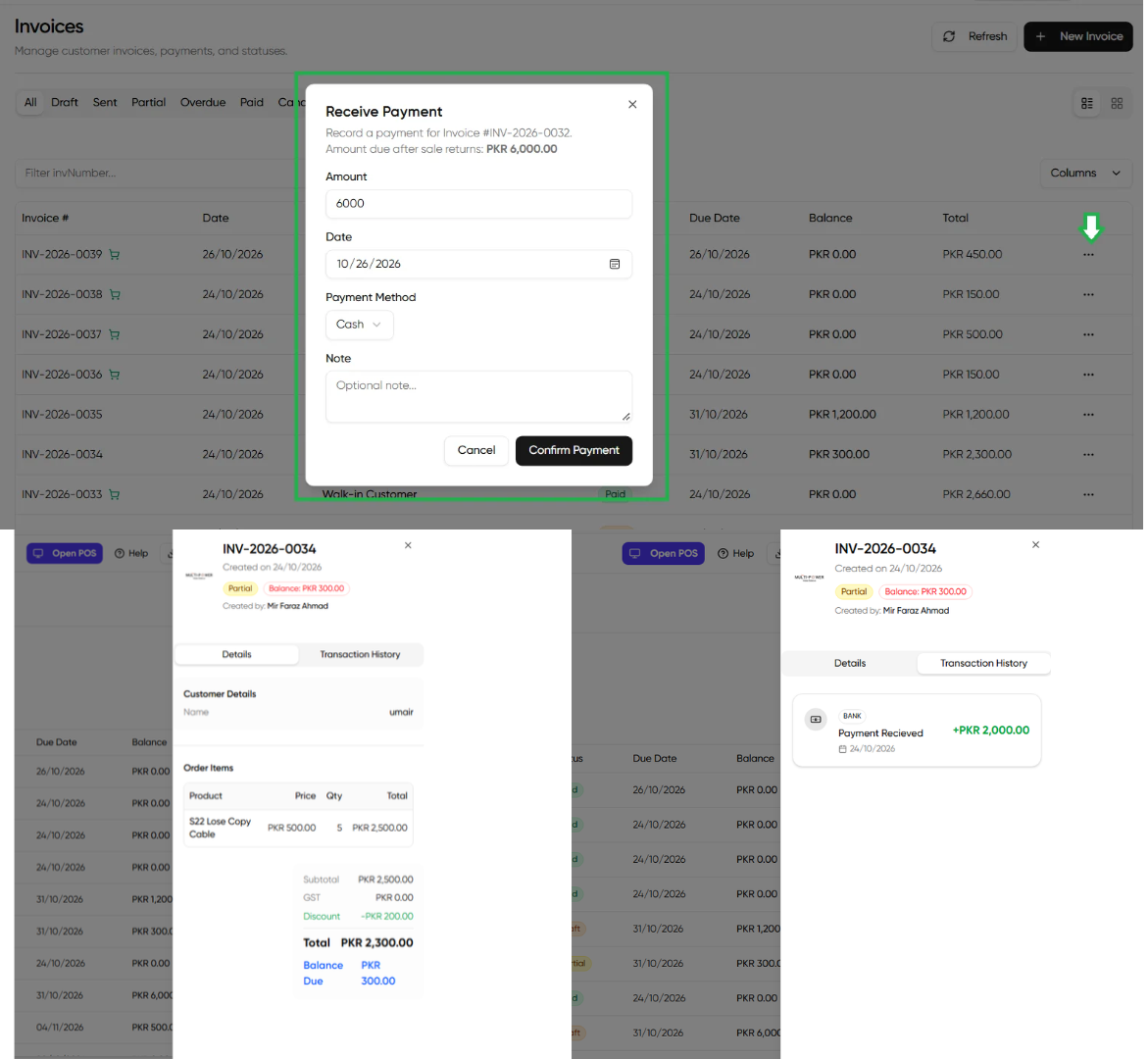
- Open the invoice and record a payment.
- A partial payment leaves a balance. The status shows partial.
- Payment terms on the customer decide when it becomes overdue. The dashboard lists overdue invoices.
Print A4 or the 80mm receipt. What appears (logo, NTN, QR, footer) is controlled in the Invoice Designer.
Customer goods coming back are a sale return, not a negative invoice you type by hand.
Next: Recurring invoices.