
- Open the customer.
- Record a payment against their balance. The balance falls by that amount.
- Open the ledger. It lists invoices, payments, and sale returns.
- Print it, or export CSV for the accountant.
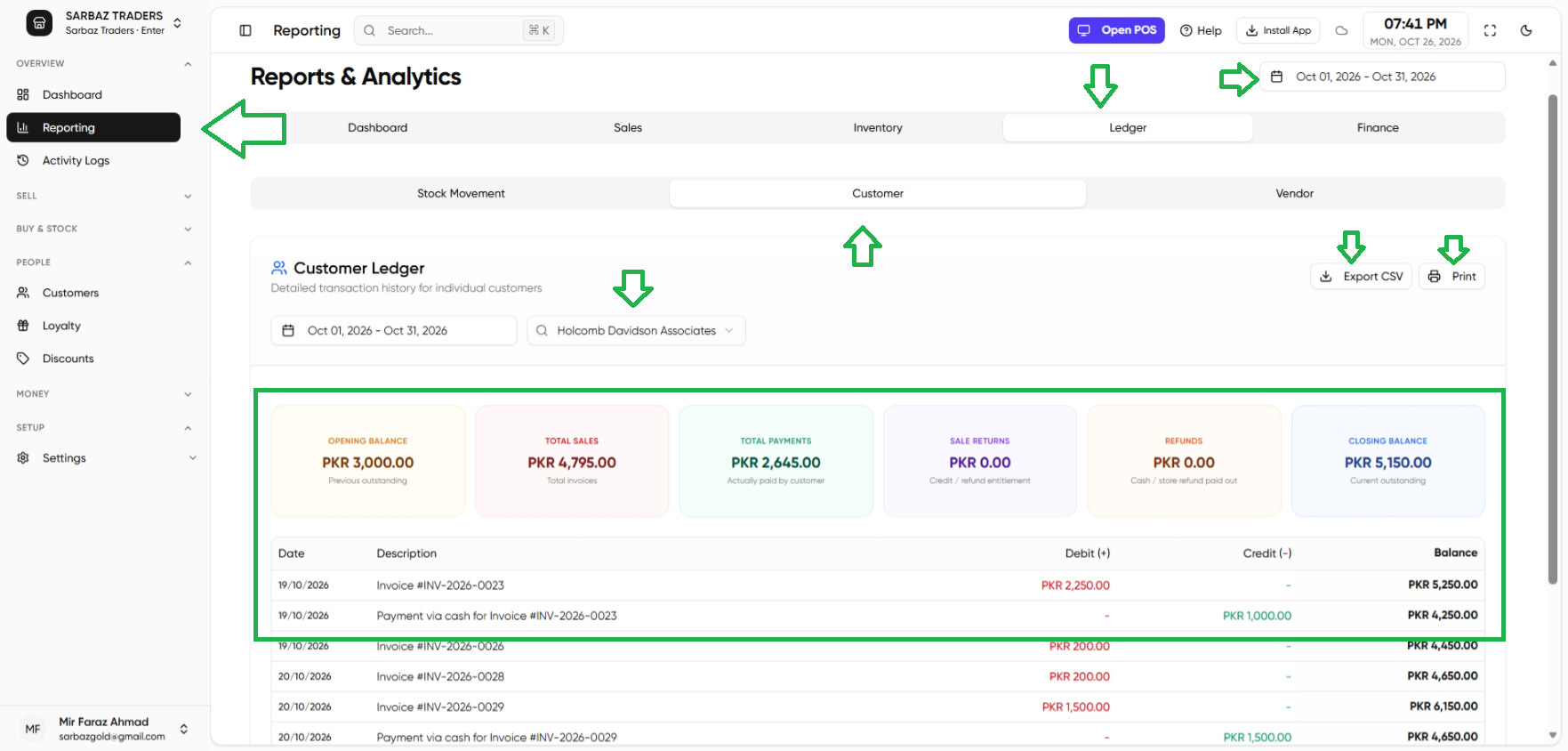
A payment on one invoice is recorded from that invoice. See Invoices. Sale returns that leave credit show on this ledger as well.
Next: Vendors.